Choose a clear pet photo
Pick a photo where your pet's face is visible, sharp, and well lit. Avoid heavy blur or blocked features.
~ Simple guide ~
Follow this quick guide to turn one dog or cat photo into a travel-themed AI picture you can download and share.
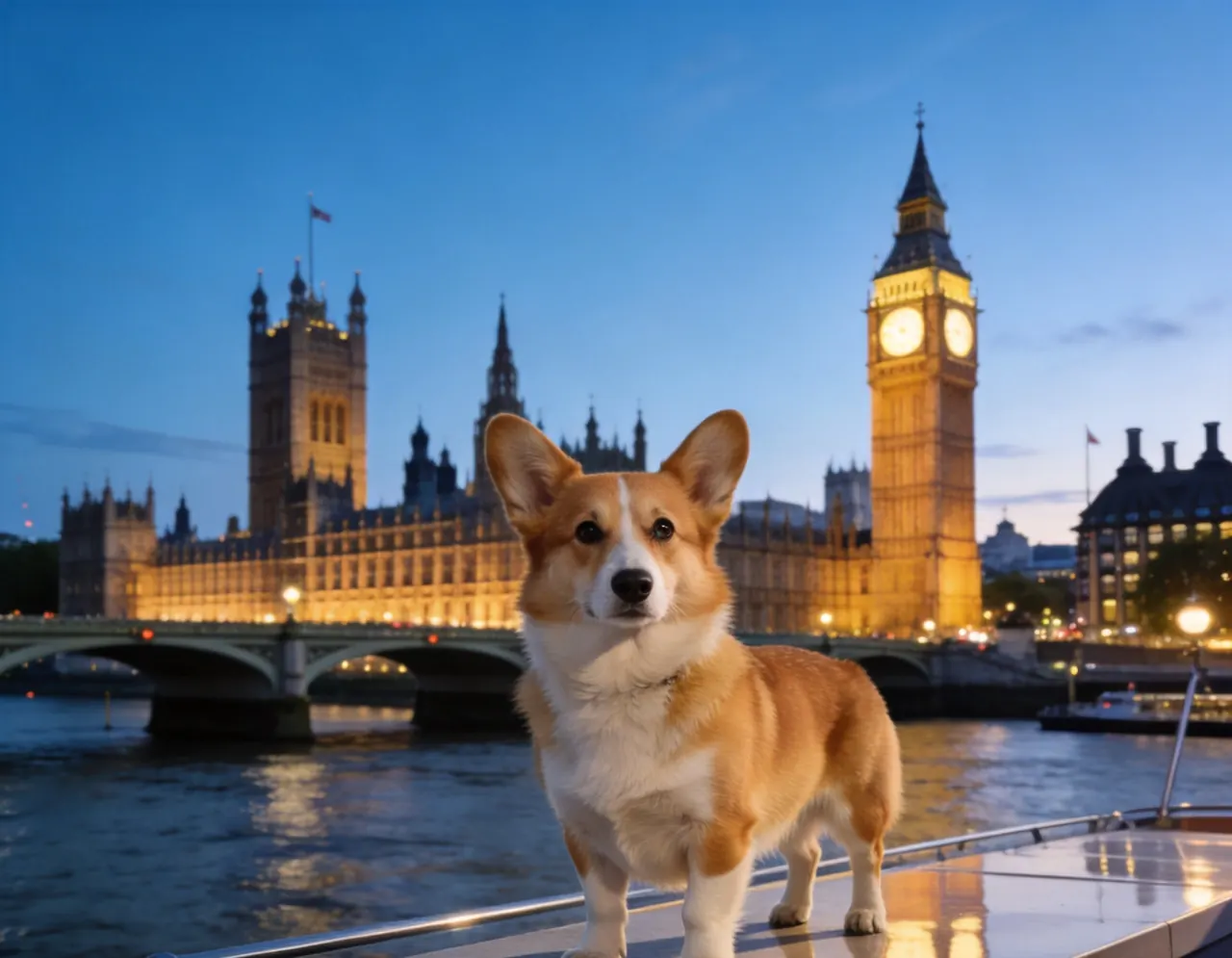
A clear source photo and a strong destination choice make better results.
Pick a photo where your pet's face is visible, sharp, and well lit. Avoid heavy blur or blocked features.
Open the generator and upload your dog or cat image from your phone or computer.
Choose where your pet should travel, such as Paris, Santorini, Tokyo, or another scenic place.
Let the AI create your travel photos, then download your favorite results before they expire.
Great for romantic pet portraits, warm city lights, and classic travel vibes.
Perfect for bright vacation scenes, white walls, blue domes, and cheerful cat or dog photos.
Best for colorful city energy, neon lights, and modern pet travel portraits.
A clear, well-lit photo with your pet's face visible works best.
Yes. A good phone photo is enough for most users.
Yes. PawJourney supports selecting destinations for travel photo generation.
No. It works for both dogs and cats.
Yes. Generated images are designed for download and sharing.